 SampattiTrack
Account roles
A role answers one question about an account: what is it? Pick the one that fits, and the app knows to treat a card as a card, a loan as a loan and a mutual fund as a holding.
Category and role
Every account has two descriptions, and they work together:
- The category is the bookkeeping side: Asset, Liability, Income, Expense or Equity.
- The role is the specific kind of thing it is: a bank account, a wallet, a credit card, a loan, a property, a salary source, and so on.
There is exactly one role per account. There is no separate “account type” to keep in agreement with it, and the app never guesses from the account’s name or path. A role is only accepted if it belongs to the account’s category, so an expense account cannot be turned into a credit card by mistake.
Choose a role when you create an account
- Open More › Accounts and tap the plus button.
- Choose the Category first. The role list only offers roles that fit that category.
- Answer What is this account? by picking a role.
- Tap Create Account.
When you pick Credit Card the sheet also asks for details such as the credit limit, the statement day and the due day. To change a role later, edit the account.
The roles
These are the roles you can choose, grouped by category.
| Category | Role | Meant for |
|---|---|---|
| Liability | Credit Card | A card the bank bills you for each month. |
| Liability | Loan / EMI | Home, car, personal or education loan. |
| Asset | EPF Account | Employees’ Provident Fund. |
| Asset | Property | Land, house, flat, apartment. |
| Asset | Vehicle | Car, bike, scooter, boat. |
| Asset | Jewellery & Bullion | Physical jewellery or precious metals. |
| Asset | Demat / Equity | Direct equity or stock holdings in a demat account. |
| Asset | Mutual Funds | Holds mutual fund units. |
| Asset | Fixed Income & Debt | FD, PPF, NSC, bonds, NPS, tracked at cost. |
| Asset | Cash / Wallet | Cash in hand, or a prepaid wallet like Paytm or PhonePe. |
| Asset | Bank Account | Savings or current account at a bank. |
| Income | Salary | Salary, wages, payroll. |
| Income | Business / Freelance | Business, profession or consulting income. |
| Income | Rent | Property rent received. |
| Income | Dividend | Equity or mutual-fund dividends. |
| Income | Interest | Interest from savings, FDs, bonds. |
| Income | Gift | Cash or property received as a gift. |
| Income | Other Income | Anything that does not fit another income category. |
| Expense | Investment Charge | Expense ratio, exit load, STT, brokerage. |
Equity is reserved for Equity:Opening Balance, the one account the app uses to record starting balances. You do not need to create equity accounts, and it carries no role. Many ordinary expense categories do not need one either. An account with no role is simply unclassified, which is fine.
What roles change
- Money accounts. Bank accounts, wallets and credit cards are the accounts money moves through. They are what you see when picking where an expense was paid from.
- Net worth. Assets and liabilities, sorted by role, add up to your net worth. A property or vehicle counts as an asset, not as spendable cash.
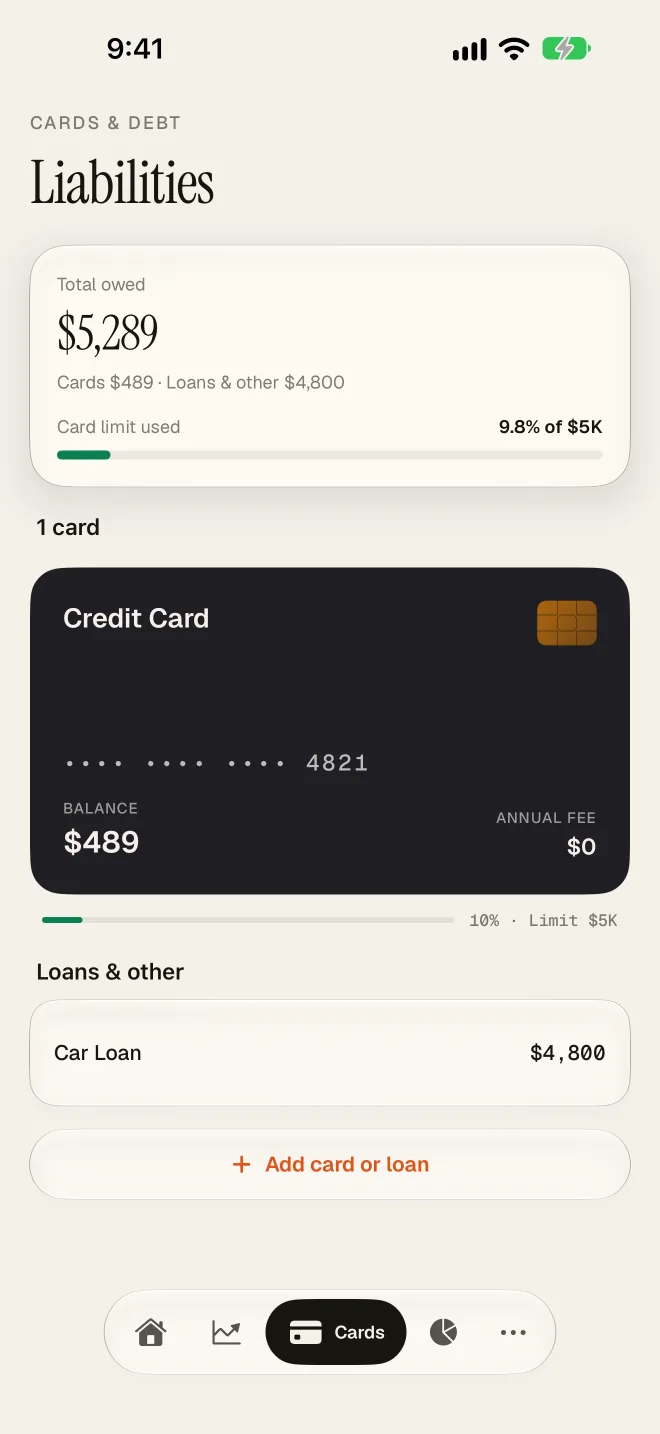
- Cards. The Credit Card role marks an account as a card, so the app can treat it as one.
- Holdings. Roles such as Mutual Funds and Demat / Equity mark accounts that hold priced units, so the app knows they hold priced units.
Choosing well
- A prepaid wallet or cash in hand uses Cash / Wallet, not Bank Account.
- An FD, PPF or NPS account uses Fixed Income & Debt.
- Choose the most specific role that fits. An EPF account is an EPF Account, not a bank account.
- If two roles seem to fit, create two accounts rather than one.
Changed your mind? Edit the account and pick a different role. Your transactions stay exactly as they are; only how the account is grouped and reported changes.
Common questions
Why does a card not show on the Cards tab?
Check that the account is in the Liability category and that its role is Credit Card.
My account has no role. Is that a problem?
No. It still works in transactions. It just does not take part in features that depend on knowing what the account is.
Still stuck? Email [email protected] and we will help.