 SampattiTrack
How double-entry works here
Every transaction is made of postings, and the postings must add up to zero. That single rule means money cannot appear or vanish; it can only move between accounts.
A transaction is its postings
A transaction carries a date and an optional note, but no money of its own. All the money lives in its postings, one for each account touched. Salary landing in your bank account is really two postings in one transaction: money leaving an income account such as Income:Salary and money arriving in an asset account such as Asset:Bank Account:HDFC.
Each posting has a signed amount. Positive means money flowing into that account; negative means money flowing out.
Postings must sum to zero
Before a transaction can be saved, its postings must add up to zero (within a tiny tolerance for rounding). This is the rule that makes double-entry work: if a rupee goes into one account, it has to come out of another.
| Account | Posting |
|---|---|
| Income:Salary | −50,000 |
| Asset:Bank Account:HDFC | +50,000 |
| Total | 0 |
| Account | Posting |
|---|---|
| Liability:Credit Card | −1,200 |
| Expense:Groceries | +1,200 |
| Total | 0 |
The account names above are examples. Yours may be called something different.
Why balances are never stored
The app keeps no balance number on an account. A balance is always worked out by adding up the amounts of the account’s postings. This is deliberate: a stored balance can drift out of step with the transactions that produced it after a missed update or a bad sync. A balance that is recomputed each time cannot drift, because your transactions are the only source of truth.
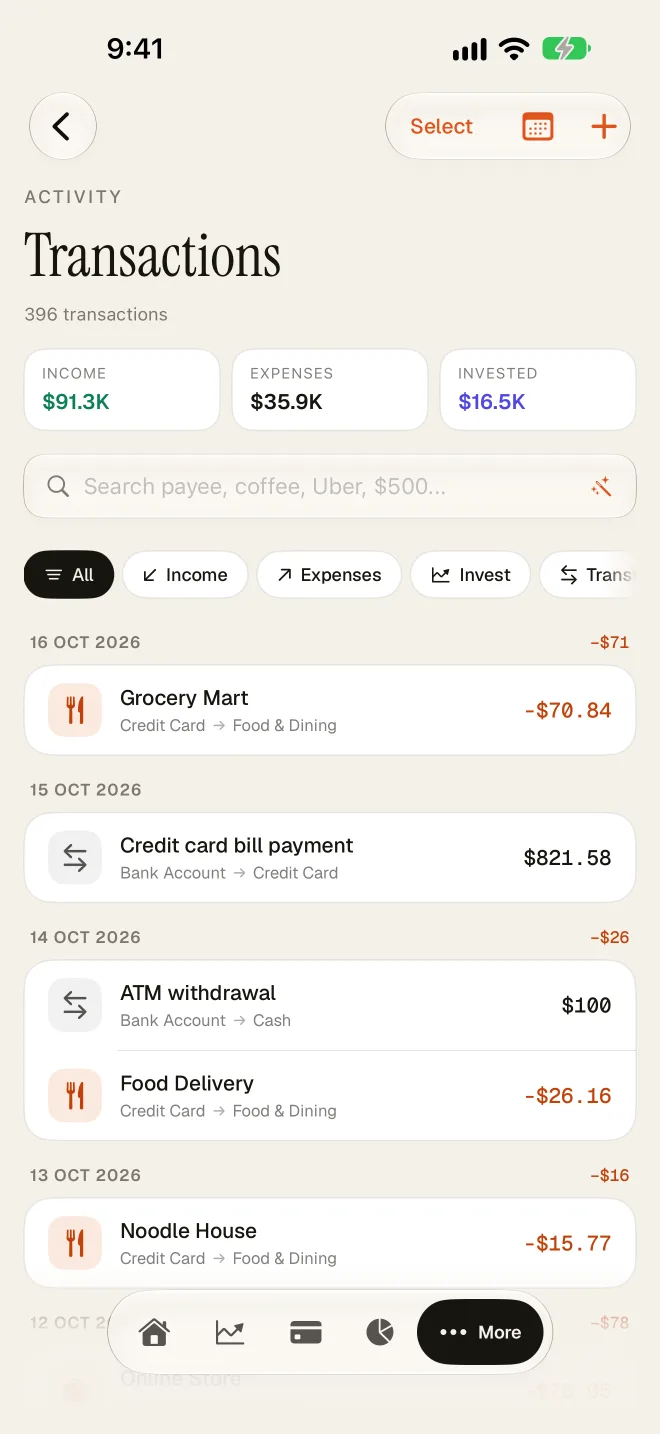
What this looks like when you log something
In Simple mode you never see postings. You pick a source, a destination and an amount, and the app creates the two balanced postings for you. In Ledger mode you see them directly:
- Turn on Ledger mode under More › Settings › Entry Style.
- Open a new transaction. It starts in the Splits view with a list of postings.
- For each posting, choose a leaf account and enter a signed amount.
- Watch the status line. It shows Balanced when the postings sum to zero, or the imbalance that remains.
- Tap Save Transaction once it is balanced.
Common questions
Why can’t I save my transaction?
Usually the postings do not sum to zero. Look at the imbalance shown on the sheet and add or correct a posting until it reads Balanced.
How do I fix a mistake?
Edit the transaction. Updating a transaction replaces its whole set of postings, and the full set still has to balance.
Is a credit card spend income or expense?
Neither side is income. The card is a liability you owe, and the spending is an expense. Paying the bill later is a transfer from your bank to the card. See the credit card accounting guide.
Why do I need to know this?
You do not, in Simple mode. It helps in Ledger mode, and it explains why totals in SampattiTrack always reconcile with your records.
Still stuck? Email [email protected] and we will help.