 SampattiTrack
Simple vs Ledger mode
Simple mode is the default: log what happened, how much and where. Ledger mode shows the full double-entry detail underneath, with splits and units. Both store your data the same way, so you can switch at any time.
Simple mode
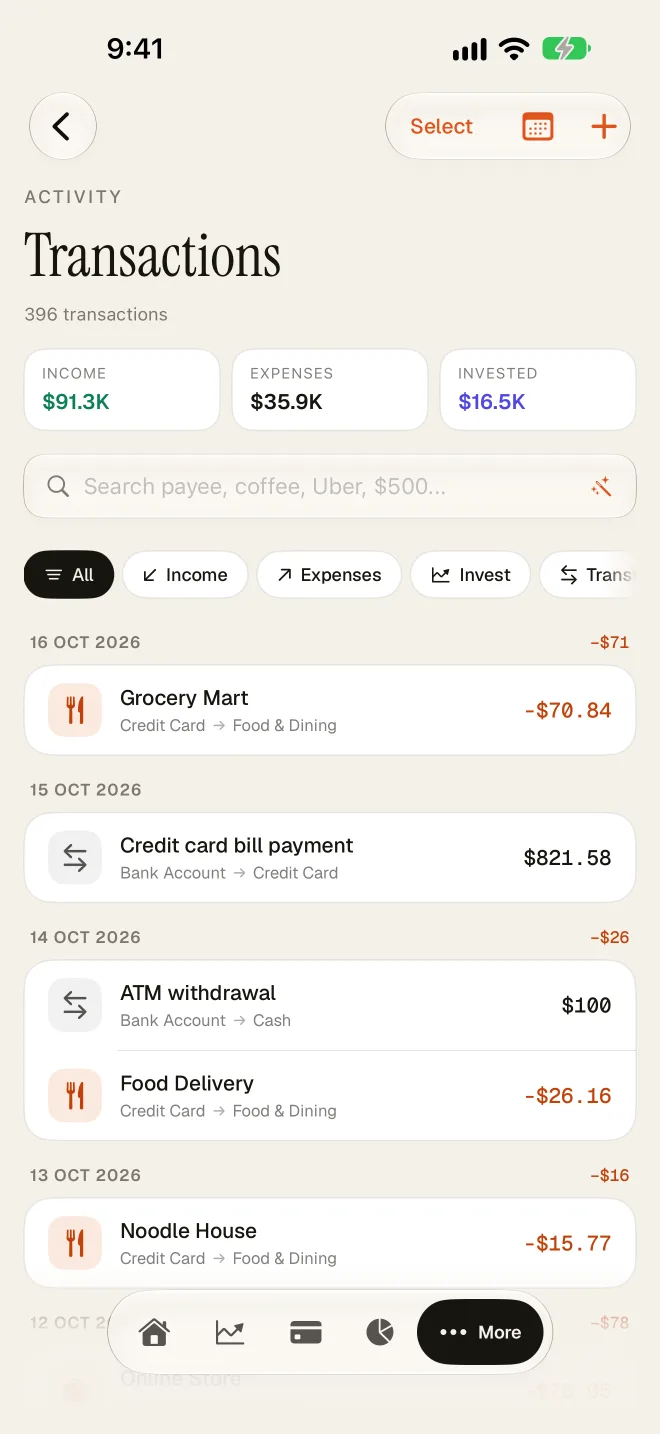
A new install starts in Simple mode, shown in Settings as Simple tracking: expenses, income and transfers in a few taps. You pick a source, a destination and an amount, and SampattiTrack builds the underlying entry for you. It hides the mechanics, such as splits and units, so you only see the minimum needed to log a transaction. Every entry is still stored as a fully balanced set of postings.
On the Accounts screen, Simple mode groups things under the heading CATEGORIES & ACCOUNTS.
Ledger mode
Ledger mode exposes the double-entry model directly. You can:
- split one transaction across several postings;
- denominate a posting in a Unit (a stock, fund, gold or a foreign currency) instead of your default currency;
- choose both sides of a transfer explicitly.
In Ledger mode the New Transaction sheet opens in its Splits view, and the Accounts screen is headed ACCOUNTS. Each posting row has its own Unit menu, a signed quantity and an amount, and the sheet tells you whether the entry is Balanced or shows the imbalance.
How to switch
- Tap More, then Settings.
- Find the Entry Style section.
- Choose Simple tracking or Ledger mode. The selected option shows a filled radio circle.
The setting applies across the whole app, not to a single transaction. Next to the heading there is an info button titled Simple vs. Ledger with a short reminder.
The New Transaction sheet also has an ENTRY MODE switch between Simple and Splits. It lets you change the view for one entry. It is hidden when a transaction can only be expressed as splits, because the Simple view could not represent it.
Does switching change my data?
No. Nothing about how data is stored changes when you switch. Ledger mode only changes which controls are shown, so you can switch back and forth without losing information or running a migration.
Which should I use?
| You want to… | Use |
|---|---|
| Log everyday spending and income quickly | Simple tracking |
| Pay a credit card bill or move money between your accounts | Simple tracking (Transfer) |
| Split a shop bill across several categories | Splits, in Ledger mode |
| Record buying shares, fund units or gold with quantity and price | Ledger mode |
| See and adjust every posting yourself | Ledger mode |
If you are not sure, stay in Simple mode. You lose nothing by starting simple and moving to Ledger mode later.
The Help Centre in the app
The in-app Help Centre (More › Help Centre) only shows articles relevant to your current mode. If you do not see an article that is described on this site, it is probably a Ledger-mode topic, and switching to Ledger mode will reveal it.
Still stuck? Email [email protected] and we will help.